Skip to content

TikTok slideshows · made through your agent

YOUR AGENT MAKES
TIKTOK SLIDESHOWS
FOR YOUR PRODUCT.

Give your agent a product link. SlideTok finds a proven slideshow format, writes the story, generates the images and copy, and returns a finished deck for you to approve.


Slideshow slide: shocked selfie with the hook text 'Wait, you're TELLING me roundtrip flights for $50 exist?!'
Slideshow slide: sunlit selfie with the hook text 'Is it just me, or is pet parent brain REAL? Tell me I'm not alone!'
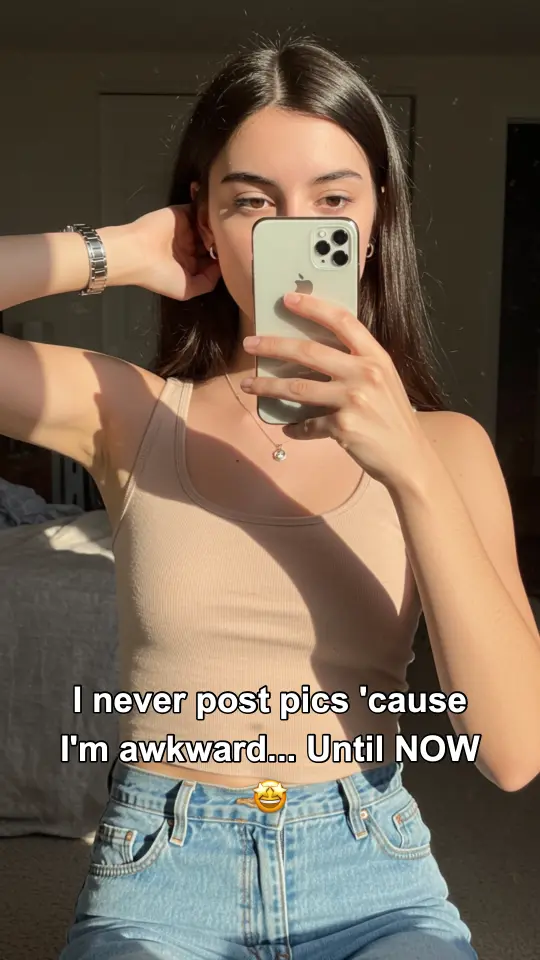
Slideshow slide: mirror selfie with the hook text 'I never post pics 'cause I'm awkward… Until NOW'
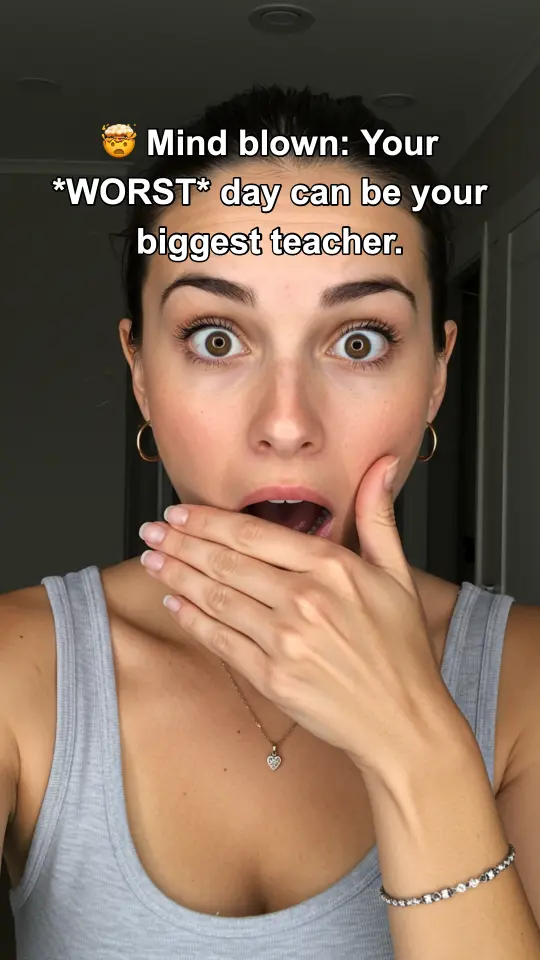
Slideshow slide: surprised-face selfie with the hook text 'Mind blown: Your WORST day can be your biggest teacher.'
Slideshow slide: mirror selfie with the hook text 'Is it just me, or does EVERY weekend suddenly feel AMAZING?!'
Agent request“Market my plant-care box”MCP tools calledFinished deck · approval ready ✓
  • Ask in plain English
  • Learns your product
  • Picks the right format
  • Builds every slide
  • You approve

SlideTok works with your agent

ASK YOUR AGENT.
GET A FINISHED DECK BACK.

Ask through the AI agent you already use. It sends SlideTok your brief, chooses a format that fits your product, creates the images and captions, then brings the finished slides back for you to review.

What you ask“Make a 6-slide post”

Your brief

Create a useful slideshow for GlowLeaf about the signs of overwatering.

  1. 01Understands the productGlowLeaf is a plant-care subscription box
  2. 02Chooses a formatEducational save list
  3. 03Writes the storyA hook, four useful points, and a product payoff
  4. 04Creates every slideImages and captions are rendered together
  5. 05Brings it backSix finished slides are ready to review

6 finished slides are ready for you to review

Finished SlideTok deck preview

FROM PRODUCT LINK TO FINISHED SLIDES

TEACH YOUR AGENT THE PRODUCT

Profile it once — what it is, who it's for, the proof you have, and the claims it must never make.

YOUR AGENT MATCHES A FORMAT

It chooses a slideshow style that fits what you sell and what you want viewers to do.

YOUR AGENT REMAKES IT

It writes every slide and creates a fresh version around your product.

YOU APPROVE

Nothing ships itself. You review the slides, approve what's good, and post it yourself.

Full generated slideshow

A FULL TIKTOK SLIDESHOW MADE FOR THE GYMLEVELS APP.

Here is one complete slideshow SlideTok generated for the GymLevels app. Swipe through all 10 slides in order.

Example 01 · Jake Gets Stronger · GymLevels app

A 10-slide story about making workouts easier to repeat.

Complete generated deck · 10 slides

Same character across all 10 slides

Swipe to see the whole deck →
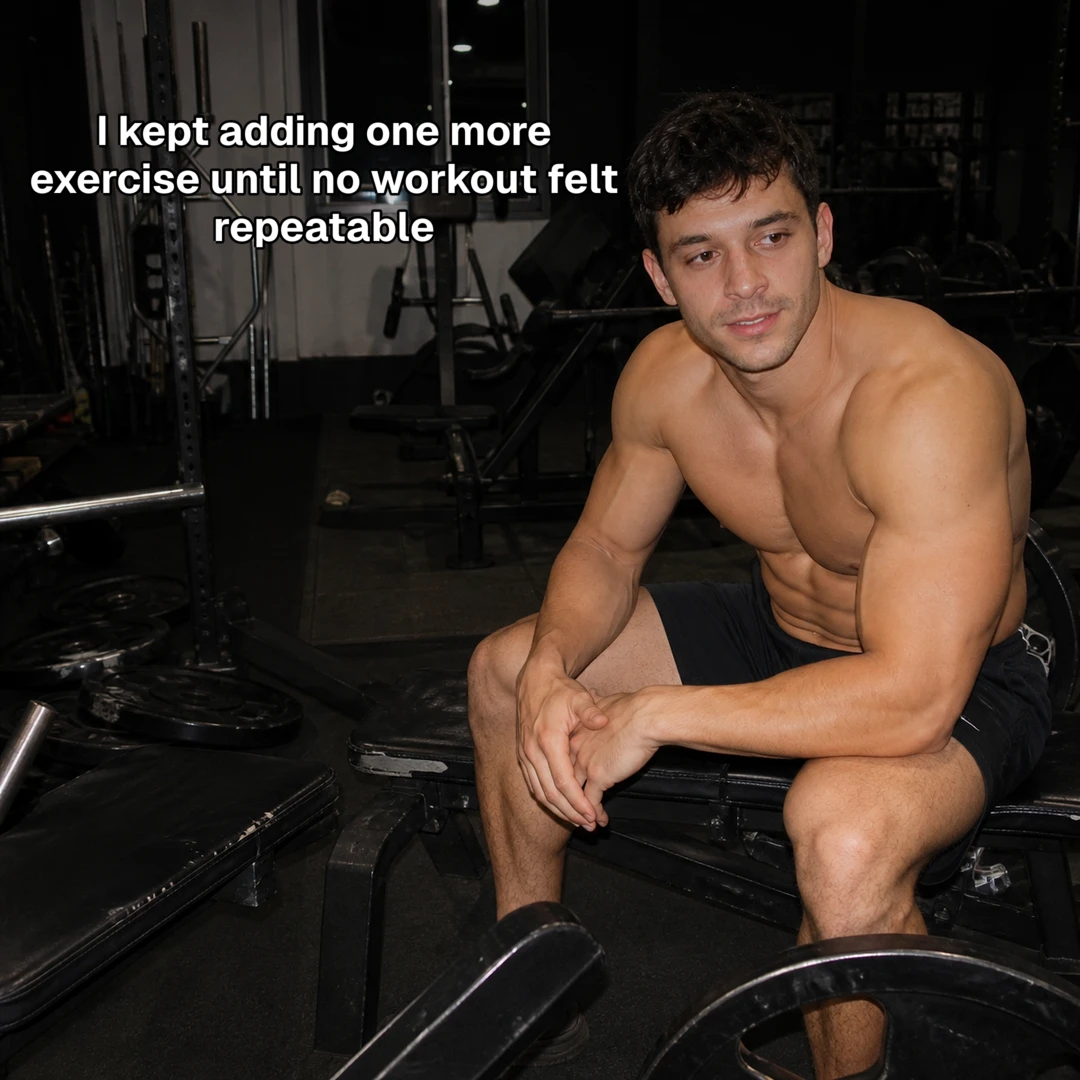
  1. Slide 1 of 10: I kept adding one more exercise until no workout felt repeatable
    01Hook
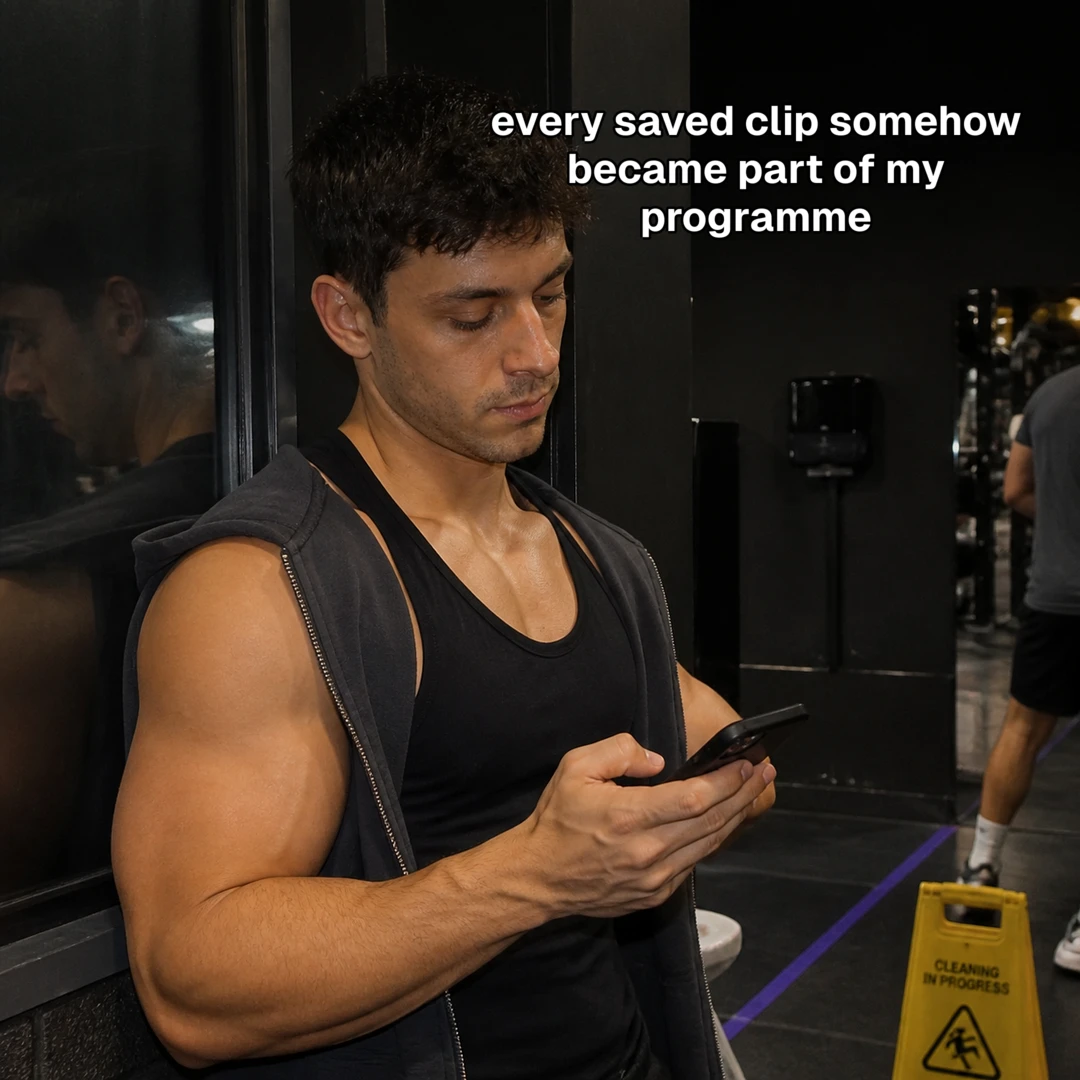
  2. Slide 2 of 10: Every saved clip somehow became part of my programme.
    02Story beat
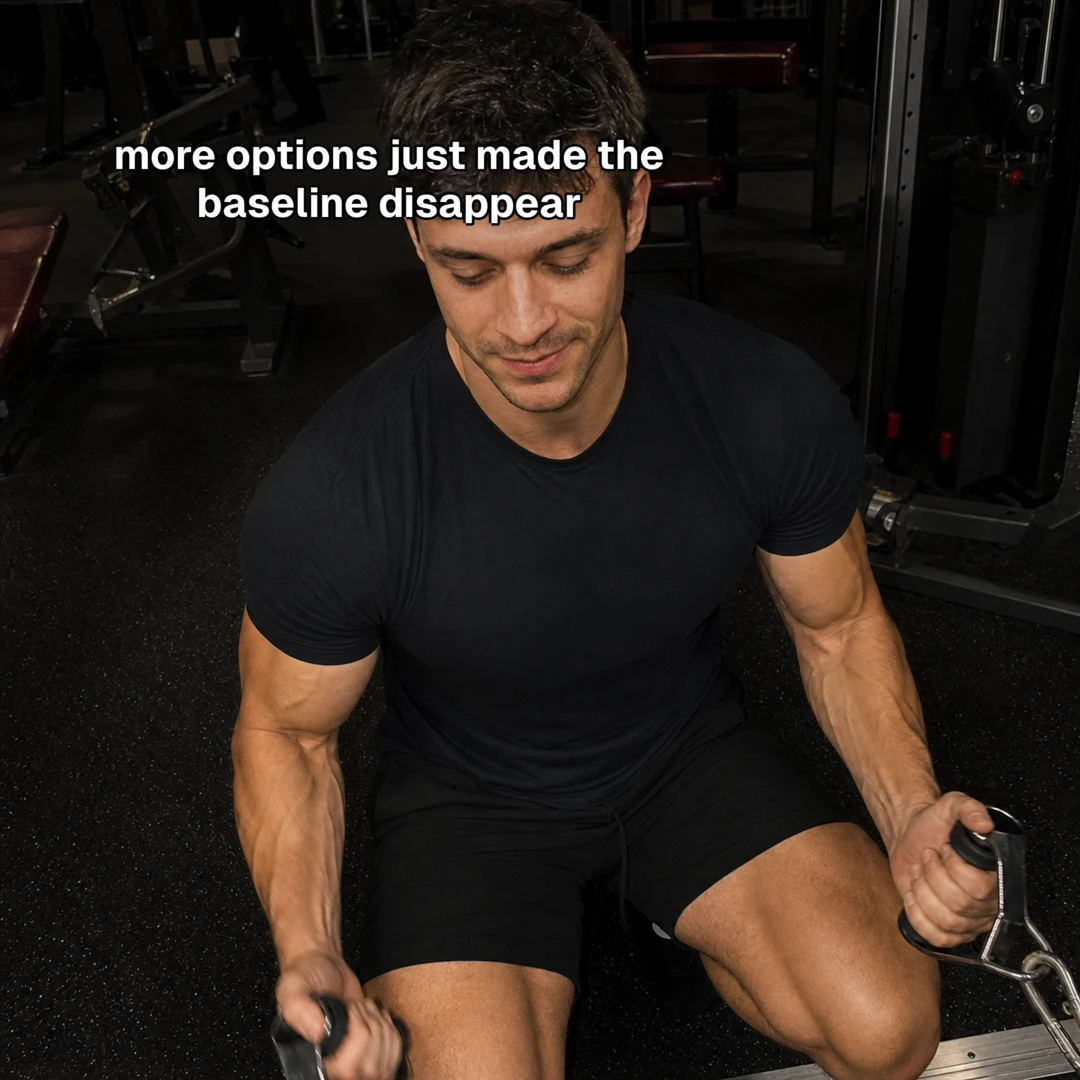
  3. Slide 3 of 10: More options just made the baseline disappear.
    03Story beat
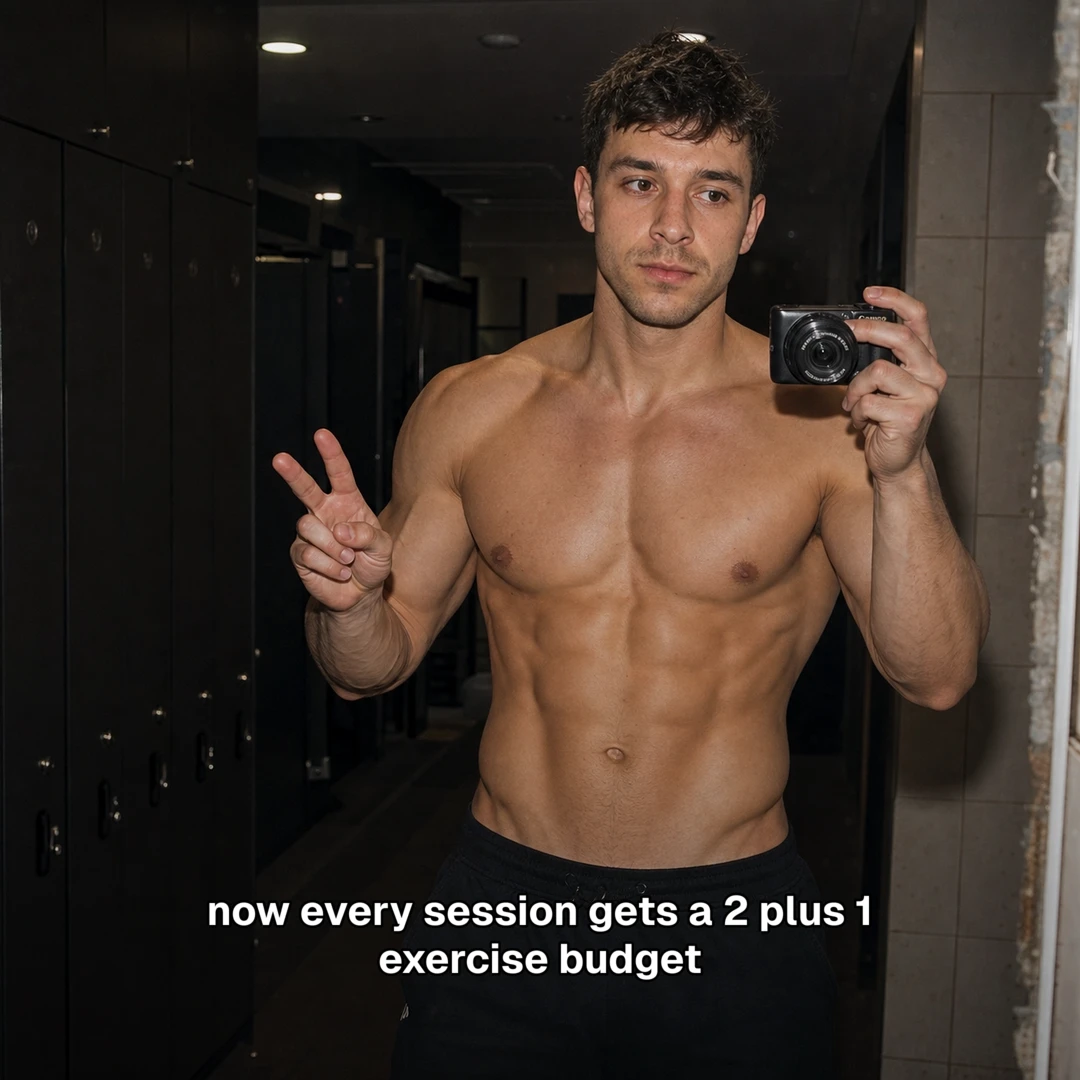
  4. Slide 4 of 10: Now every session gets a 2 plus 1 exercise budget.
    04Story beat
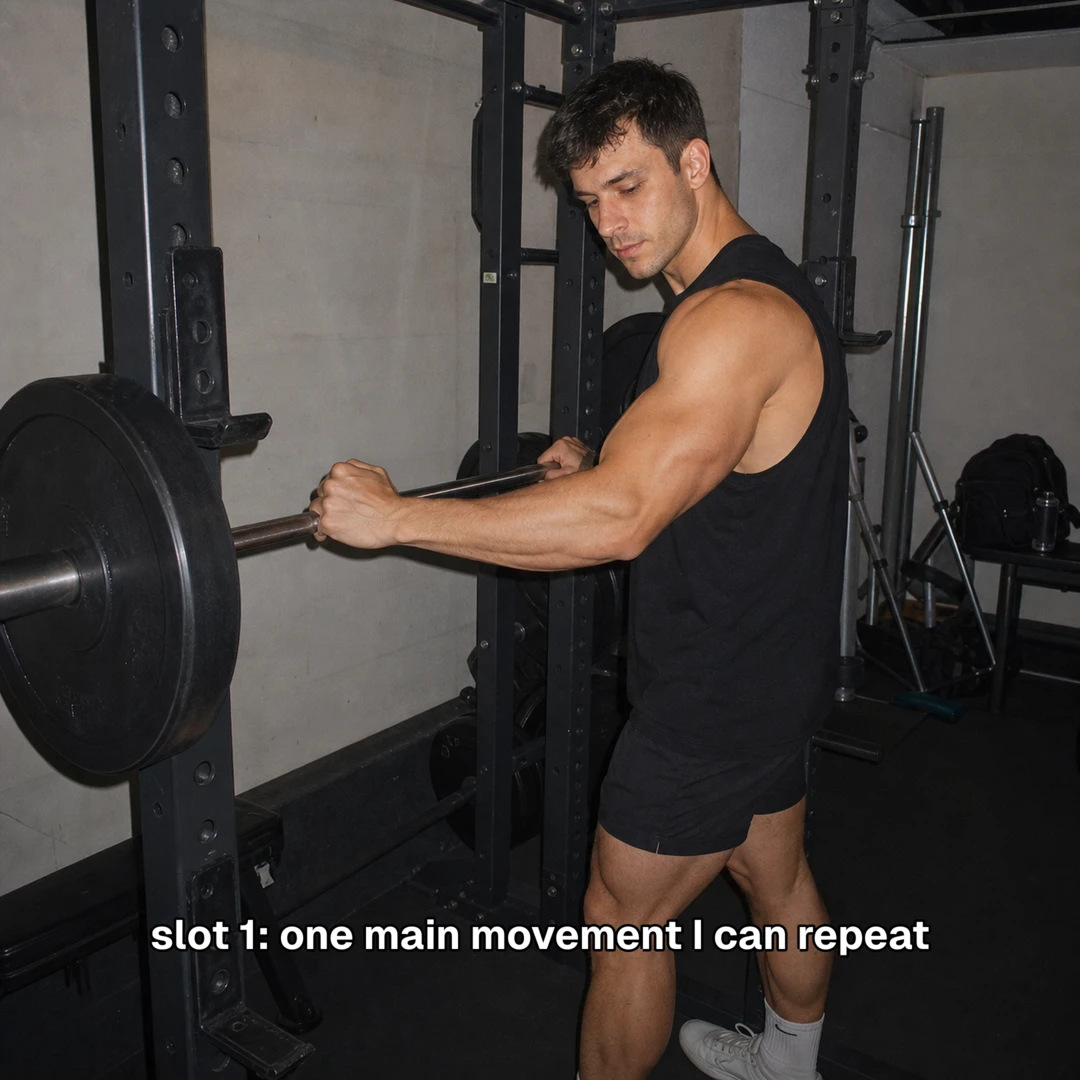
  5. Slide 5 of 10: Slot 1: one main movement I can repeat.
    05Story beat
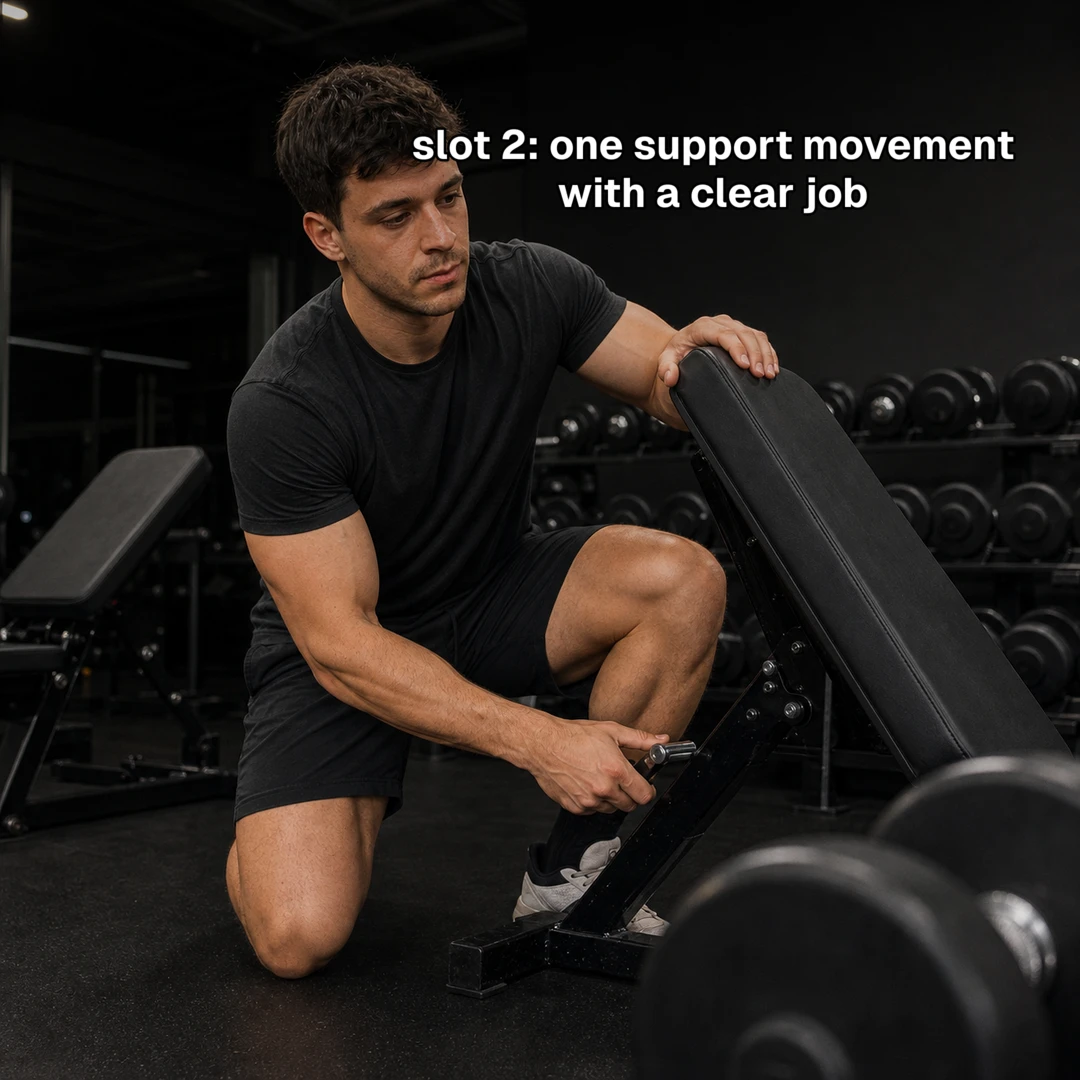
  6. Slide 6 of 10: Slot 2: one support movement with a clear job.
    06Story beat
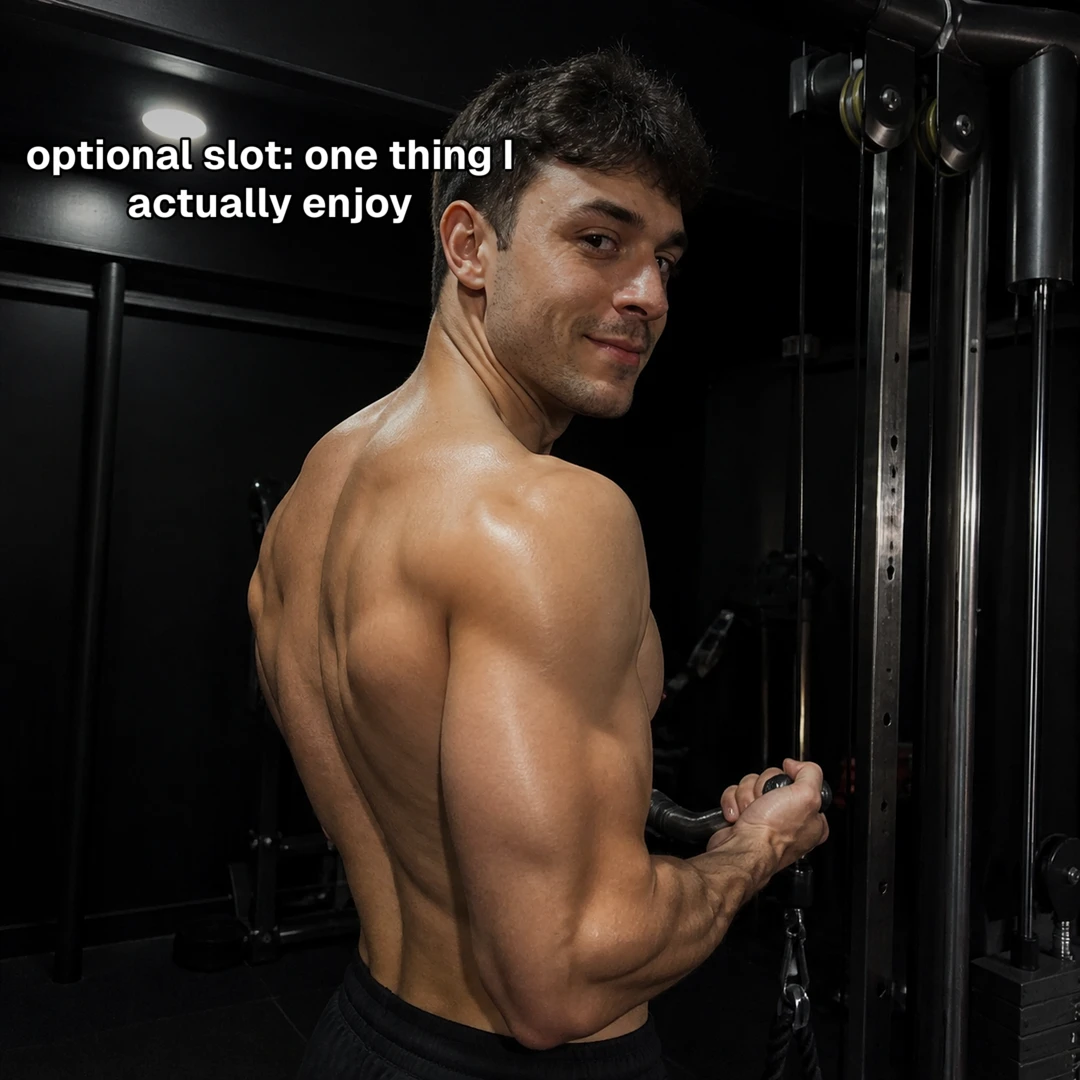
  7. Slide 7 of 10: Optional slot: one thing I actually enjoy.
    07Story beat
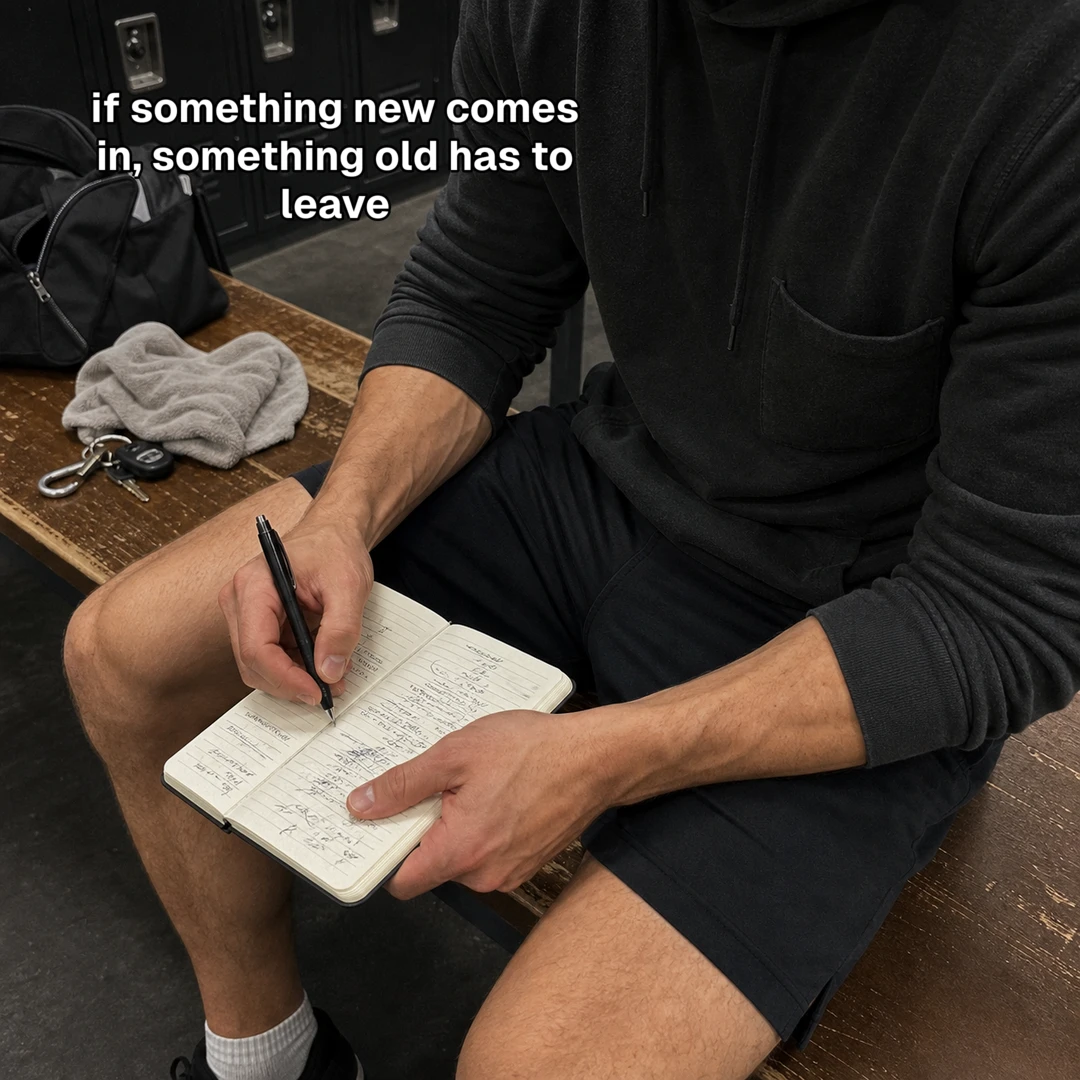
  8. Slide 8 of 10: If something new comes in, something old has to leave.
    08Story beat
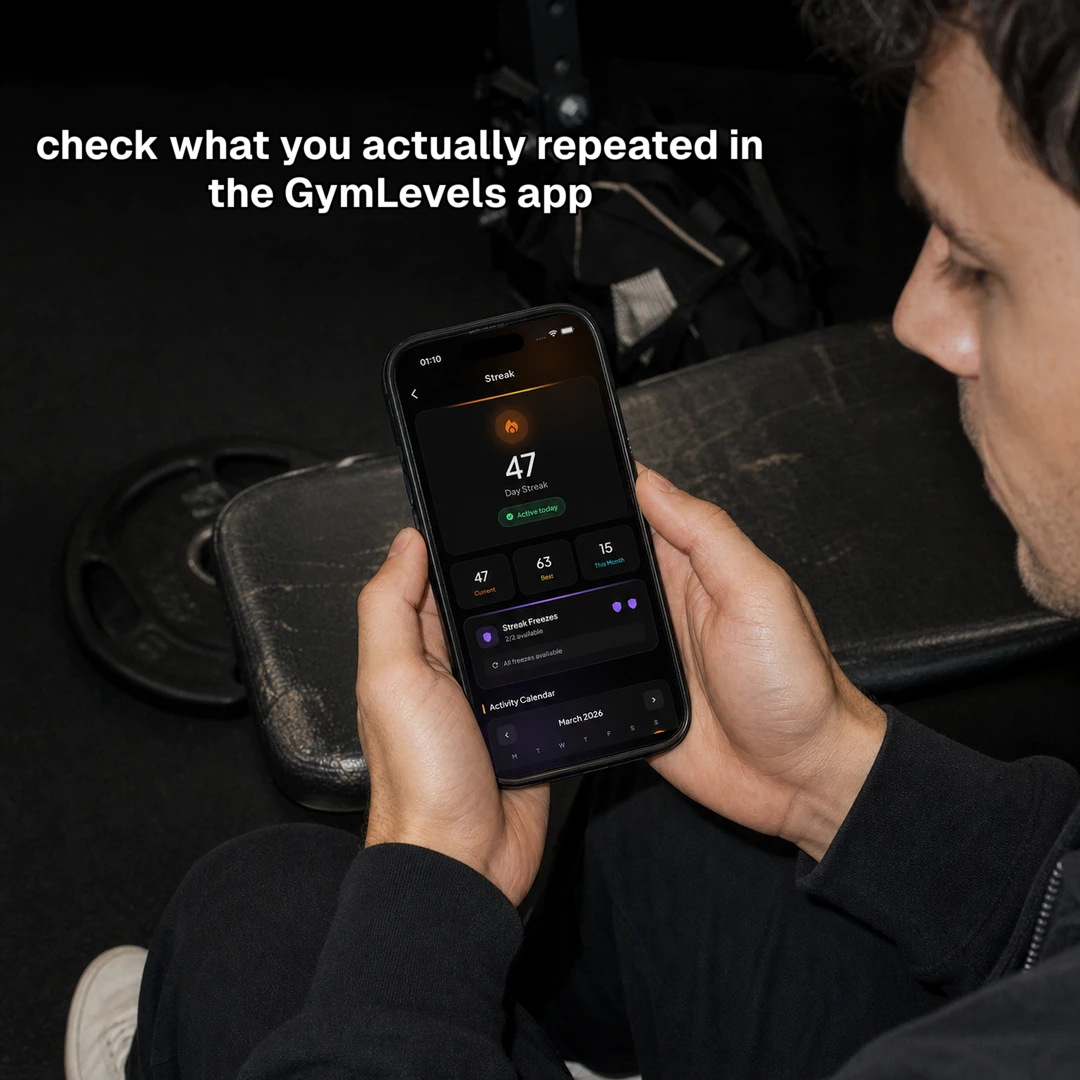
  9. Slide 9 of 10: Check what you actually repeated in the GymLevels app.
    09Story beat
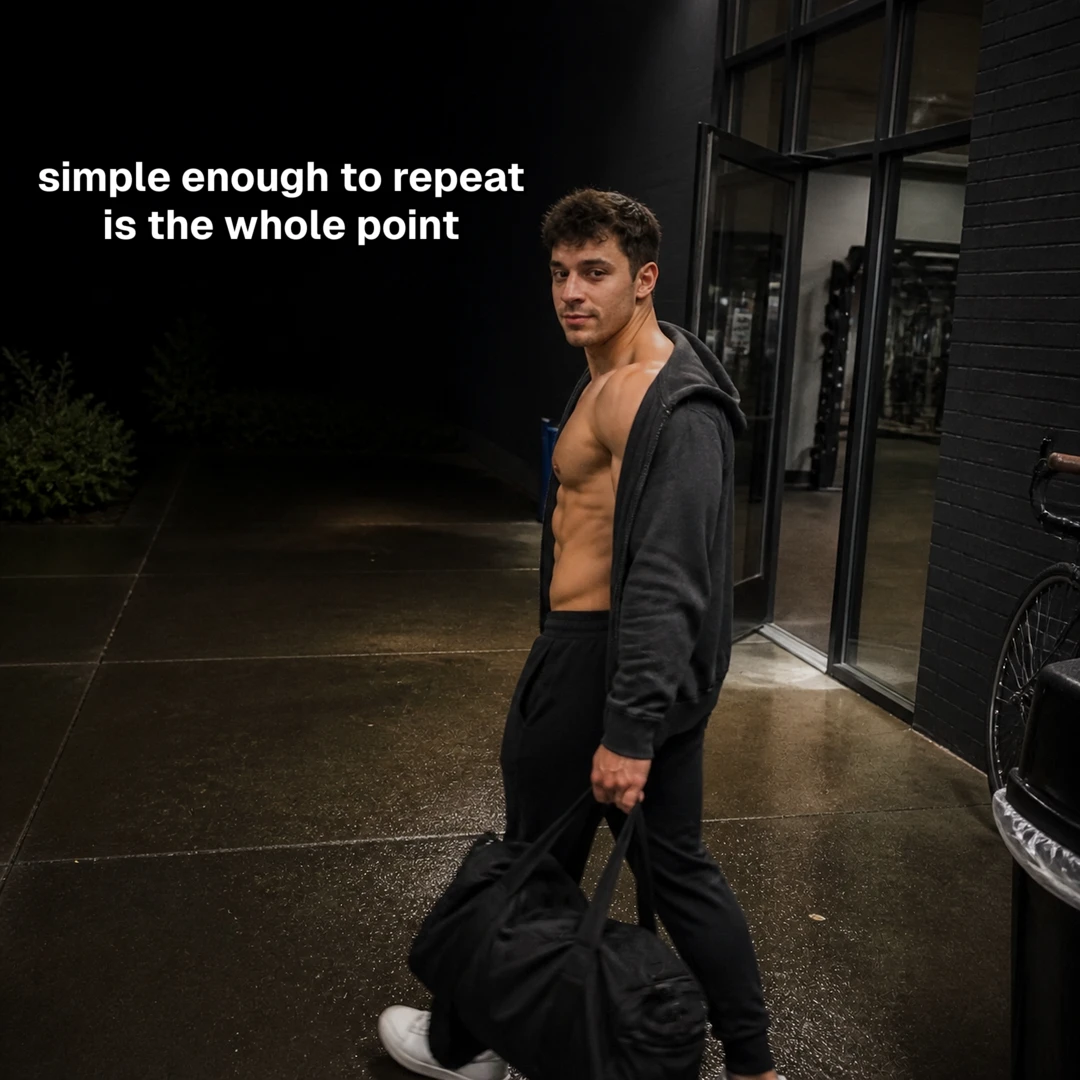
  10. Slide 10 of 10: Simple enough to repeat is the whole point.
    10Close

SlideTok used GymLevels product facts and a real app screenshot, then kept one character and one story consistent across all 10 slides.

Recurring character system

GIVE YOUR BRAND A FACE PEOPLE CAN RECOGNISE.

Create or bring one approved character for a brand account. SlideTok keeps that exact identity available for future character-led posts, so the story can change without the person changing with it.

01

Choose the person

Use 2–4 consented photos of a real creator, or ask SlideTok to generate fictional portrait options.

02

Approve one exact look

Nothing is reused until you choose it. The approved version is locked to that brand account.

03

Bring them back

Future character-led decks can use the same person in new hooks, scenes, poses, outfits, and stories.

04

Keep product proof real

SlideTok uses the character only where a person belongs. App screens and other proof keep their exact source.

Jake Gets Stronger · GymLevels app

ONE CHARACTER. FOUR DIFFERENT MOMENTS.

Same approved identity

Jake opening the GymLevels app slideshow in the gym
01Subject-first hook
The same Jake character taking a gym mirror selfie
02New setting
The same Jake character demonstrating a support exercise
03New action
The same Jake character closing the GymLevels app story
04Recognisable close

This deck proves continuity inside one story. The locked character version can then be cast again in the brand's next suitable character-led job.

A recurring character belongs to one exact brand account. It is never silently shared with another product or account.

Connect your brand →

See how the formats work

24 WAYS TO TELL YOUR PRODUCT STORY.

Pick a format that already gives people a reason to keep swiping. SlideTok turns it into an original slideshow for your product—new words, new images, and real product proof.

Example 01 · 4–6 slides

Relationship receipt reaction

Start with a message dilemma. Reveal the conversation. Let the product help with the decision.

Works well for
Dating, relationships and communication apps
Example shown
A relationship app that helps people pause before replying

Why we kept it: a message dilemma gives viewers a clear reason to keep swiping for context.

A three-slide peek · swipe on mobile

Candid late-night selfie opening a relationship message dilemma.

I wrote the reply. I just haven’t sent it.

1 · Hook
I wrote the reply. I just haven’t sent it.
are you actually done this time?
I don't know what to say yet
then don't answer tonight

I showed my friend the messages before I answered.

2 · Reveal
I showed my friend the messages before I answered.
A useful ending

PAUSE.
WRITE IT.
DECIDE TOMORROW.

Use the Mendora app to pause before you reply.
3 · Payoff
Use the Mendora app to pause before you reply.

Example 02 · 5–8 slides

Educational save list

Promise a short list worth saving. Give the viewer one useful point on every slide.

Works well for
Fitness, learning, productivity and advice-led products
Example shown
A GymLevels checklist for getting back to training

Why we kept it: every slide can deliver one practical point worth saving for later.

A three-slide peek · swipe on mobile
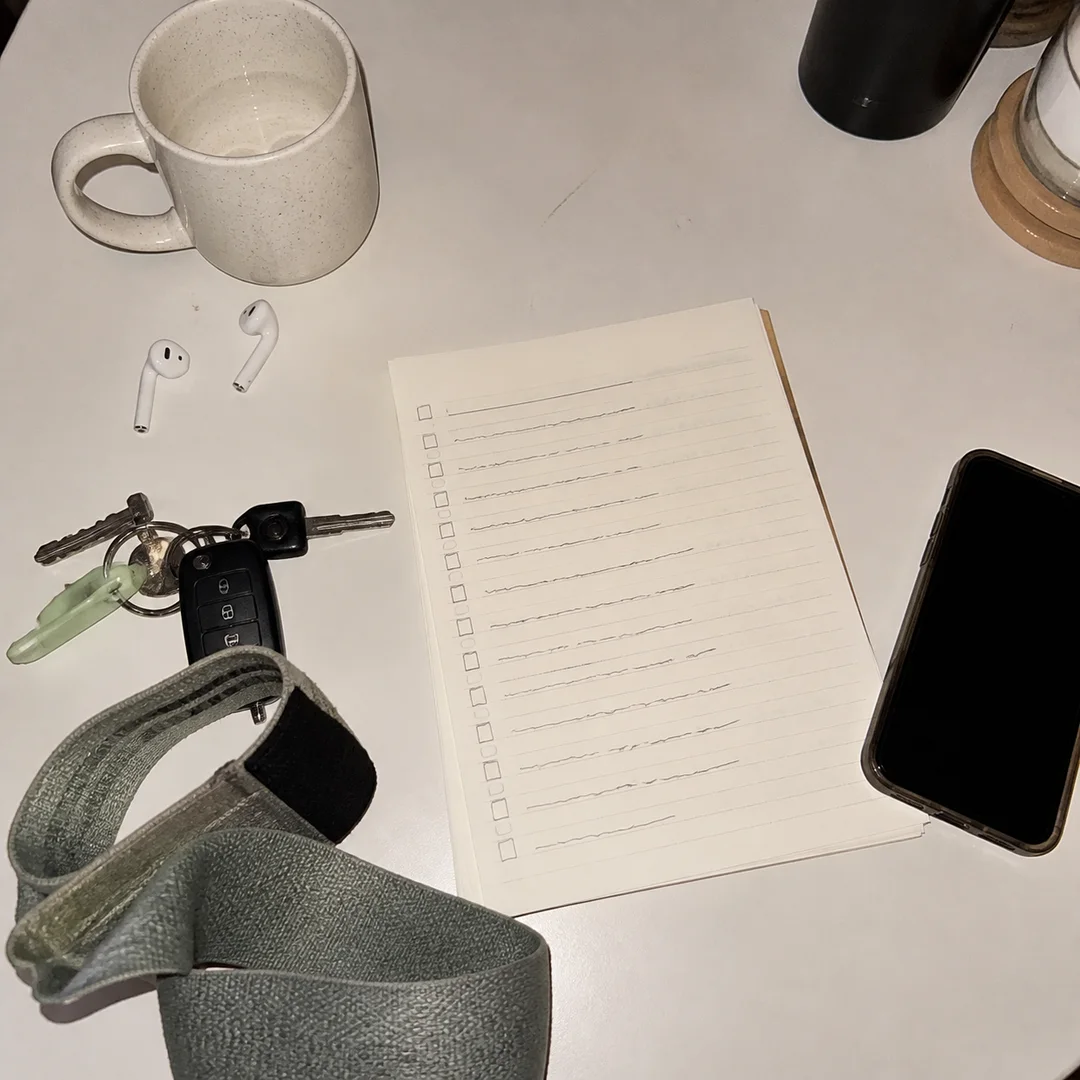
Flash-lit desk and handwritten checklist opening a useful save list.

4 things I do after missing a week

1 · Promise
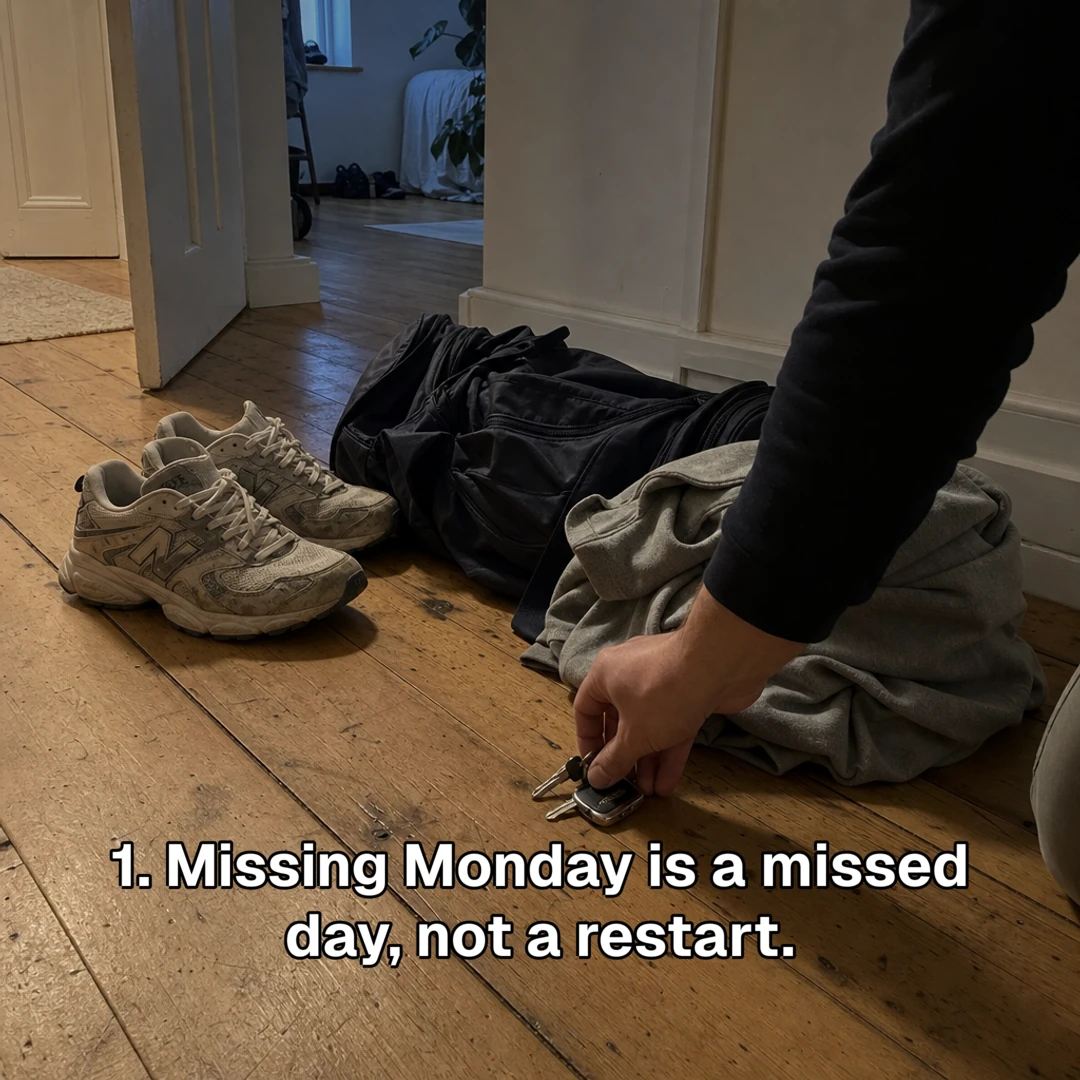
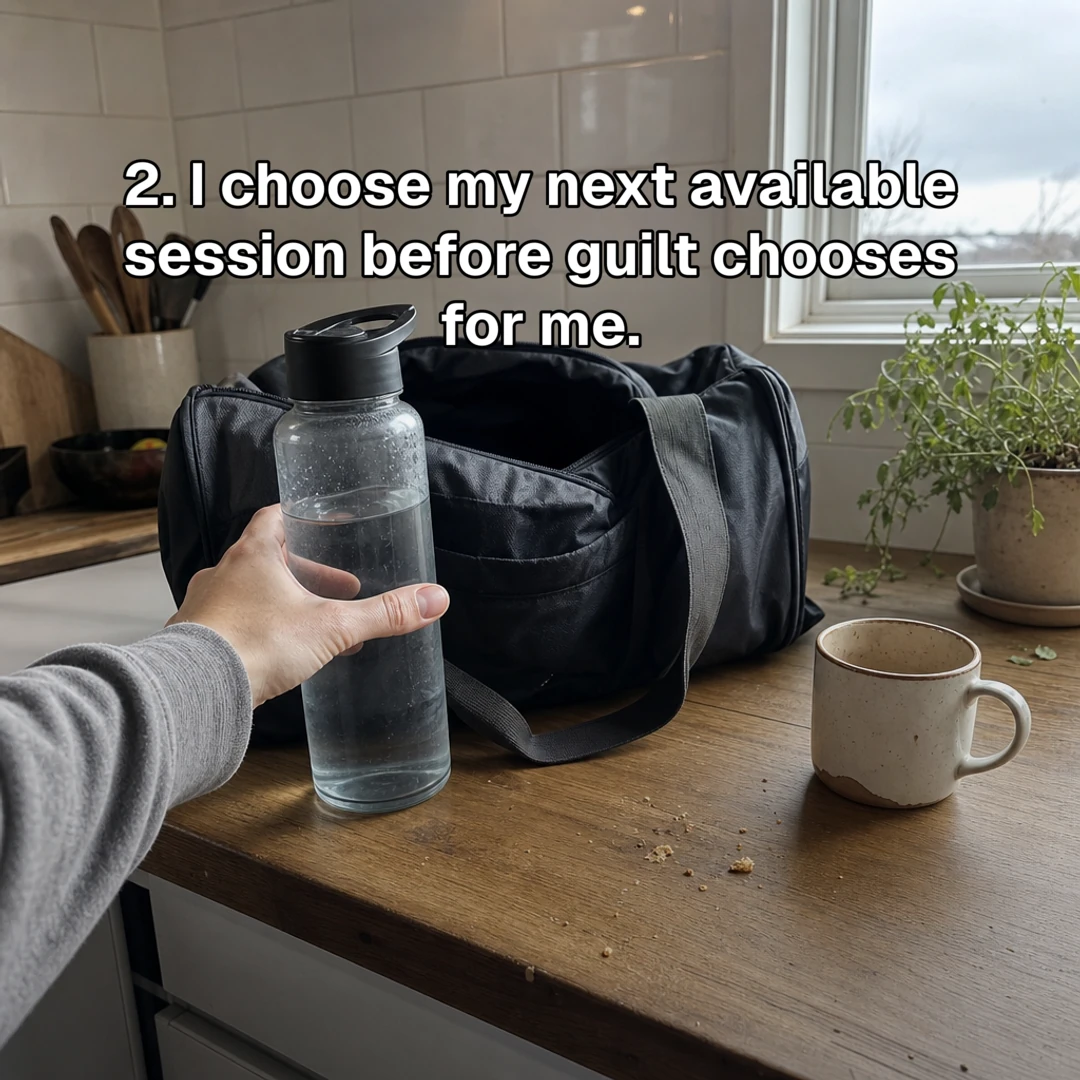
4 things I do after missing a week
Generated GymLevels slideshow slide showing someone picking up their gym shoes.
2 · Useful point
Treat the miss as one day—not a restart.
Generated GymLevels slideshow slide showing the next simple action after a missed workout.
3 · Next action
Choose the next session before motivation chooses for you.

Example 03 · 5–8 slides

Claim to screenshot proof deck

Make a personal claim, then show the real product screens that prove it step by step.

Works well for
Apps and SaaS with a workflow people need to see
Example shown
A GymStreak routine shown with real in-app proof

Why we kept it: the product earns its place by showing the real workflow inside the story.

A three-slide peek · swipe on mobile

Candid post-workout mirror selfie opening a personal fitness claim.

I finally stopped changing my workout every Sunday.

1 · Personal claim
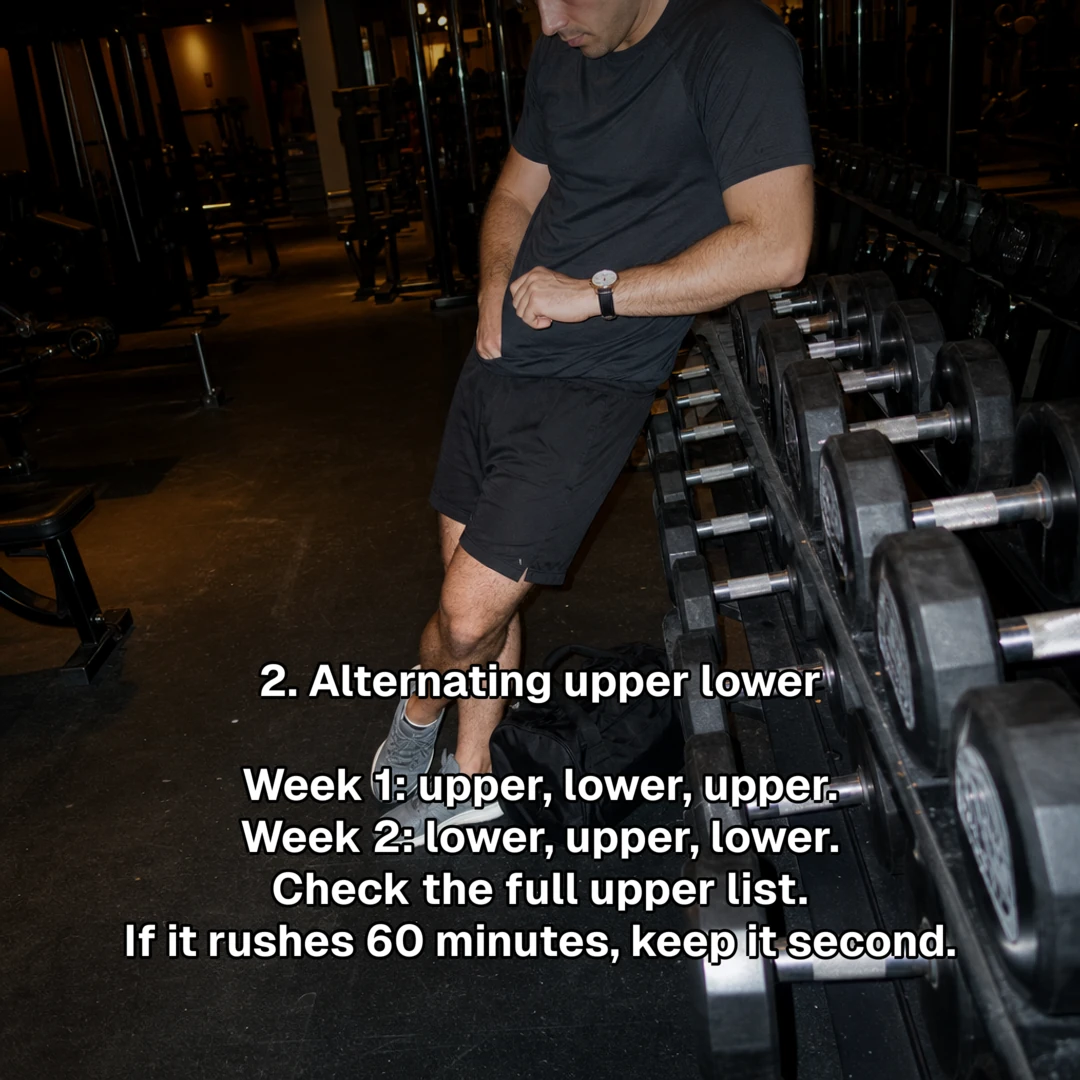
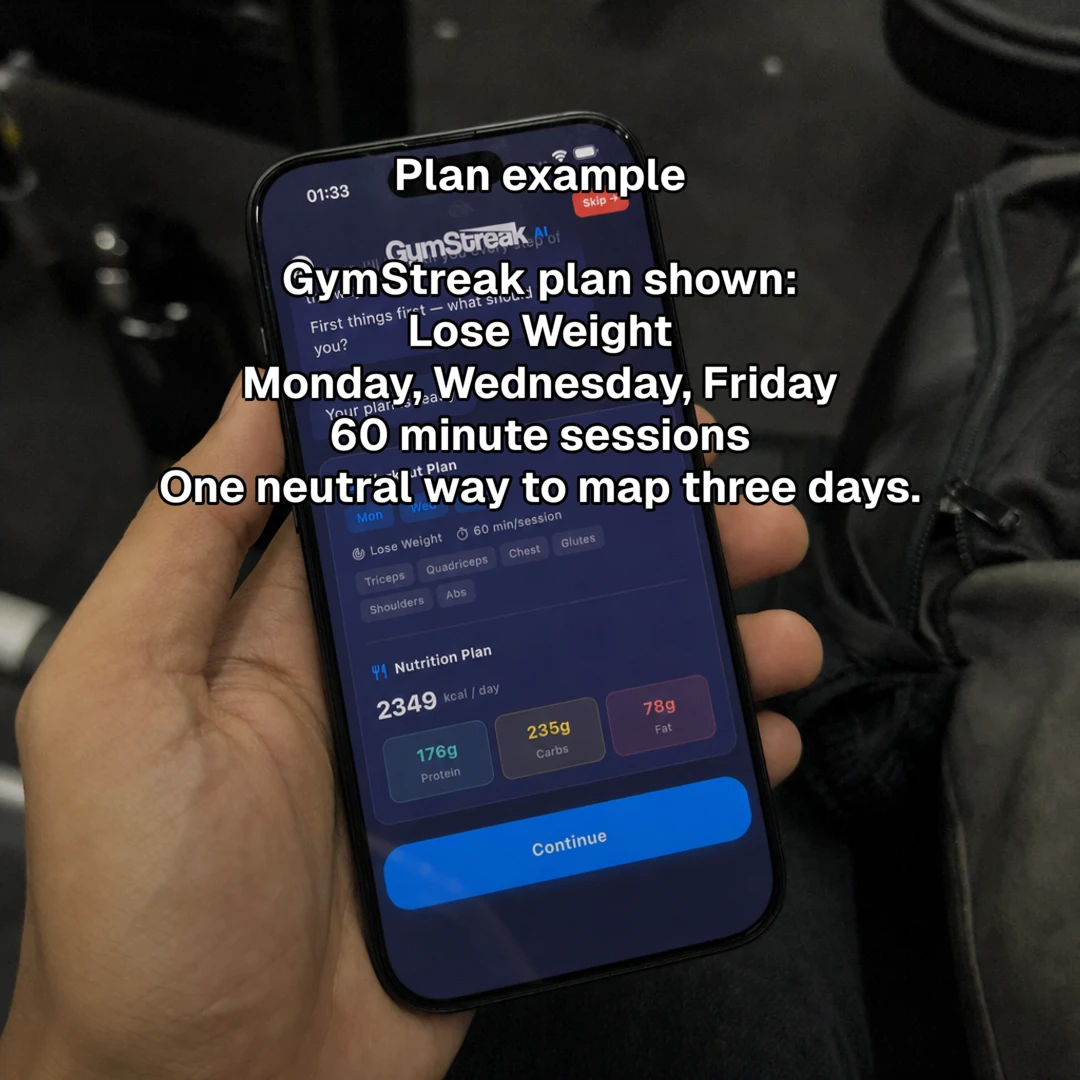
I finally stopped changing my workout every Sunday.
Generated GymStreak slideshow slide explaining the repeatable workout split.
2 · Show the method
The split stays simple enough to repeat.
Generated GymStreak slideshow slide containing a real GymStreak app screen.
3 · Prove it
Use the GymStreak app to see the exact plan.

Example 04 · 5–7 slides

Interactive choice transformation

Show one problem, offer a few different makeovers, and ask viewers to pick their favourite.

Works well for
Design, photo, fashion and visual transformation products
Example shown
A room-design app turning one empty space into two choices

Why we kept it: visible choices give viewers something concrete to compare and discuss.

A three-slide peek · swipe on mobile

Plain empty bedroom before an interactive room transformation.

What should I do with this empty room?

1 · The problem

What should I do with this empty room?
The same room transformed into a warm reading corner.

A: warm reading corner

2 · Option A
A: warm reading corner
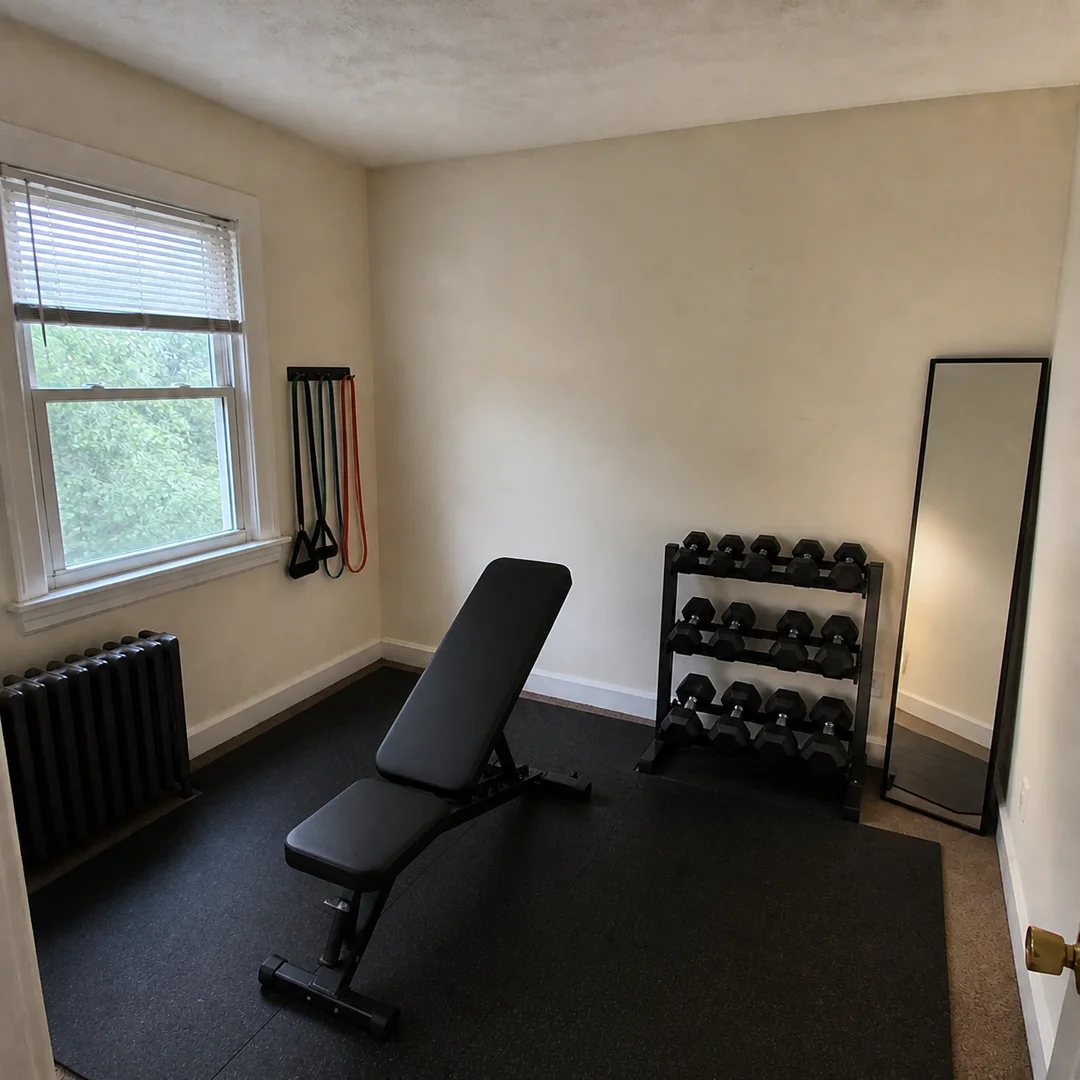
The same room transformed into a compact home gym.

B: compact home gym. Which one?

3 · Option B
B: compact home gym. Which one?

Example 05 · 8–12 slides

Timestamp transformation diary

Tell the story over time with honest, dated moments instead of one polished before-and-after.

Works well for
Fitness, habits, learning and any product that tracks progress
Example shown
A training diary that keeps the same person and setting

Why we kept it: dated moments make gradual progress easy to follow without an exaggerated reveal.

A three-slide peek · swipe on mobile

Candid first-week gym mirror selfie beginning a timestamp diary.

Starting again. Keeping it small this time.

Week 1

Starting again. Keeping it small this time.
The same person six weeks later in the same gym with subtle progress.

Same three sessions. Less negotiating with myself.

Week 6

Same three sessions. Less negotiating with myself.
The same person twelve weeks later closing a candid progress diary.

It finally feels normal. Not dramatic.

Week 12
It finally feels normal. Not dramatic.

These formats come from public posts we studied and reviewed for reusable structure. They are creative starting points, not performance predictions. The mini-decks above are short previews, not the full slideshow length.

Where formats come from

WE STUDY WHAT KEEPS PEOPLE SWIPING.

We learn from public posts without copying the creator's words, pictures, identity, or private details. Then we rebuild the idea around your product.

  1. 01Find posts people finishWe look for slideshow posts that keep people swiping, saving, sharing, or asking for the product.
  2. 02Work out whyWe break the post into a simple story: what opens the loop, what changes on each slide, and where the product earns its place.
  3. 03Check it more than onceOne good post is interesting. A pattern becomes a format when we see it work again—or we clearly mark it as new.
  4. 04Give it to your agentYour agent picks the format that fits your product, then writes and creates an original version for you.

There are 18 more to try

YOUR AGENT PICKS THE ONES THAT FIT YOUR PRODUCT.

  • Face to Notes authority reveal
  • Friend meme to product proof
  • Objection to feature reveal
  • Uncomfortable question deck
  • Contrarian mistakes list
  • Emotional confession to product reveal
  • Save-for-later inspiration collage
  • Adjacent-interest product bridge
  • Personal result screenshot stack
  • Camera flash to photo dump
  • A versus B serial story
  • Priority reorder punchline
  • Unsent message to safe alternative
  • Rating ladder bait-and-switch
  • Product ritual grid
  • Age-progression serial reveal
  • Illustrated anxiety answer
  • Illustrated workout quest guide
  • Tactile paper reveal

Example creative directions

SAME FORMAT.
A NEW ANGLE EVERY TIME.

These are sample hooks SlideTok can create from the formats above. Your agent changes the story, images, and product proof to fit your audience.

Slideshow slide: shocked selfie with the hook text 'Wait, you're TELLING me roundtrip flights for $50 exist?!'Travel deals

THE DISBELIEF DEAL

A too-good number plus a shocked face. Comments demand the source, so the product name lives in the replies.
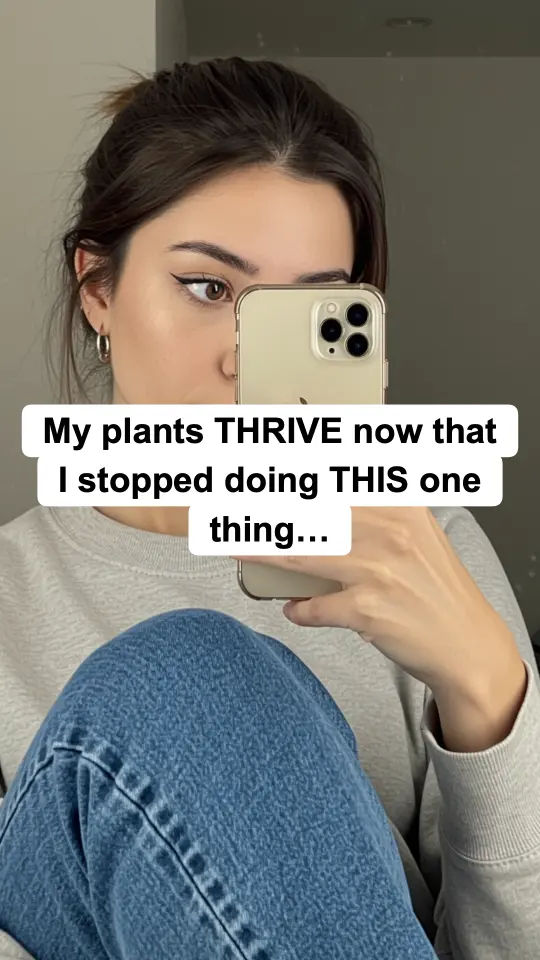
Slideshow slide: mirror selfie with the hook text 'My plants THRIVE now that I stopped doing THIS one thing…'Plant care

THE ONE-THING CONFESSION

Withholds a single detail. A save-rate pattern — viewers keep it to ‘try later’.

Slideshow slide: surprised-face selfie with the hook text 'Mind blown: Your WORST day can be your biggest teacher.'Self-improvement

THE HARD RESET

Tough-love reframe with a bold claim up top. Built for courses, coaching, and self-improvement products.

WE STUDY THE COMMENTS, TOO.

Comments show us what made people care: what they argued about, what they wanted to try, and when they asked for the app. SlideTok uses those clues when it writes your version.

Illustrative reactions we look for

wait which app is this??
ok I need the link RIGHT NOW
the one thing?? don't gatekeep 😭
saving this before it gets taken down

What your agent did

  1. 1.Understands the productGlowLeaf is a plant-care subscription box
  2. 2.Chooses a formatEducational save list
  3. 3.Writes the storyA hook, four useful points, and a product payoff
  4. 4.Creates every slideImages and captions are rendered together
  5. 5.Brings it backSix finished slides are ready to review

REVIEW THE WORK
BEFORE YOU APPROVE IT.

SlideTok keeps a simple activity summary. You can see how your agent understood the product, which format it chose, and what it created before you approve the finished deck.

IF PEOPLE BUY IT, WE CAN MARKET IT

  • Mobile apps
  • SaaS
  • Physical goods
  • Services
  • Marketplaces
  • Courses
  • Content brands

Straight answers

WHAT PEOPLE ASK BEFORE CONNECTING SLIDETOK

The short version of what SlideTok does, what it needs, and what stays under your control.

What is SlideTok?
SlideTok is an agent-first TikTok slideshow production system. Give your AI agent a product link and SlideTok can learn the product, recommend a proven slideshow format, create the complete deck, check it, and return it for your approval.
How does SlideTok work with an AI agent?
You ask your connected agent for a slideshow in plain English. The agent sends SlideTok the product, audience, and goal; SlideTok creates the slides; then the agent brings the finished deck back for review.
What can SlideTok learn from a product link?
SlideTok can build a product profile from an App Store, Google Play, or website link, including product facts, real screenshots, audience context, missing proof, and reusable creative directions.
Does SlideTok copy other TikTok creators?
No. SlideTok studies reusable slideshow structure and patterns, then creates original copy and visuals for your product. It does not copy a creator's identity, wording, or media.
Can SlideTok keep the same character across posts?
Yes. A brand can approve a consented real creator or a fictional generated character, then reuse that exact identity across future character-led decks while changing the hook, scene, pose, outfit, and story.
Does SlideTok automatically publish to TikTok?
No. SlideTok returns complete slideshows for review, repair, approval, and export. Nothing is automatically published to a social account.

CONNECT YOUR AGENT.
PLAN YOUR FIRST DECK.